Guided migration
Phone Clone
Review supported categories, connect both phones, and restore data into organized locations where Android permits.
 Nova Switch
Move selected photos, videos, contacts and files directly between your Android phones—with clear choices before anything moves.
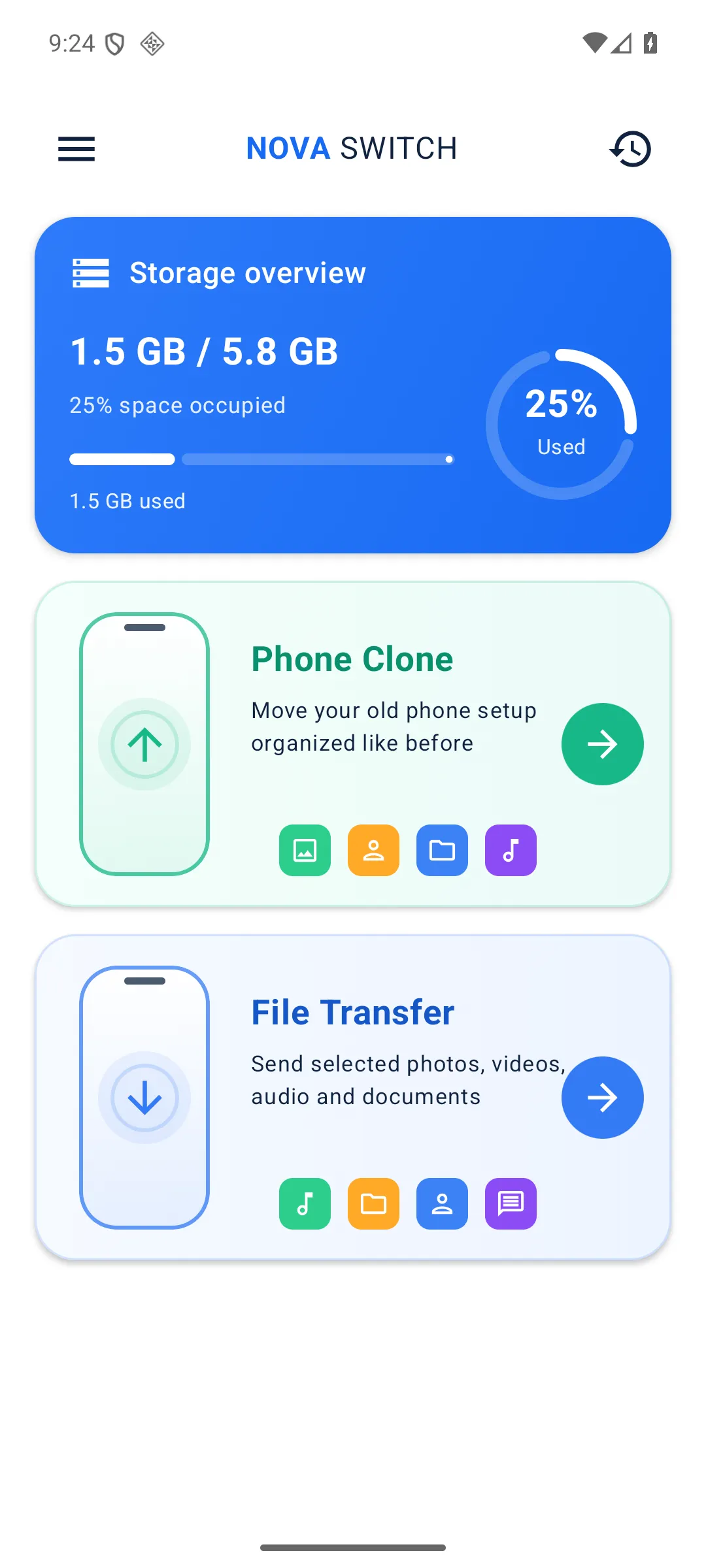
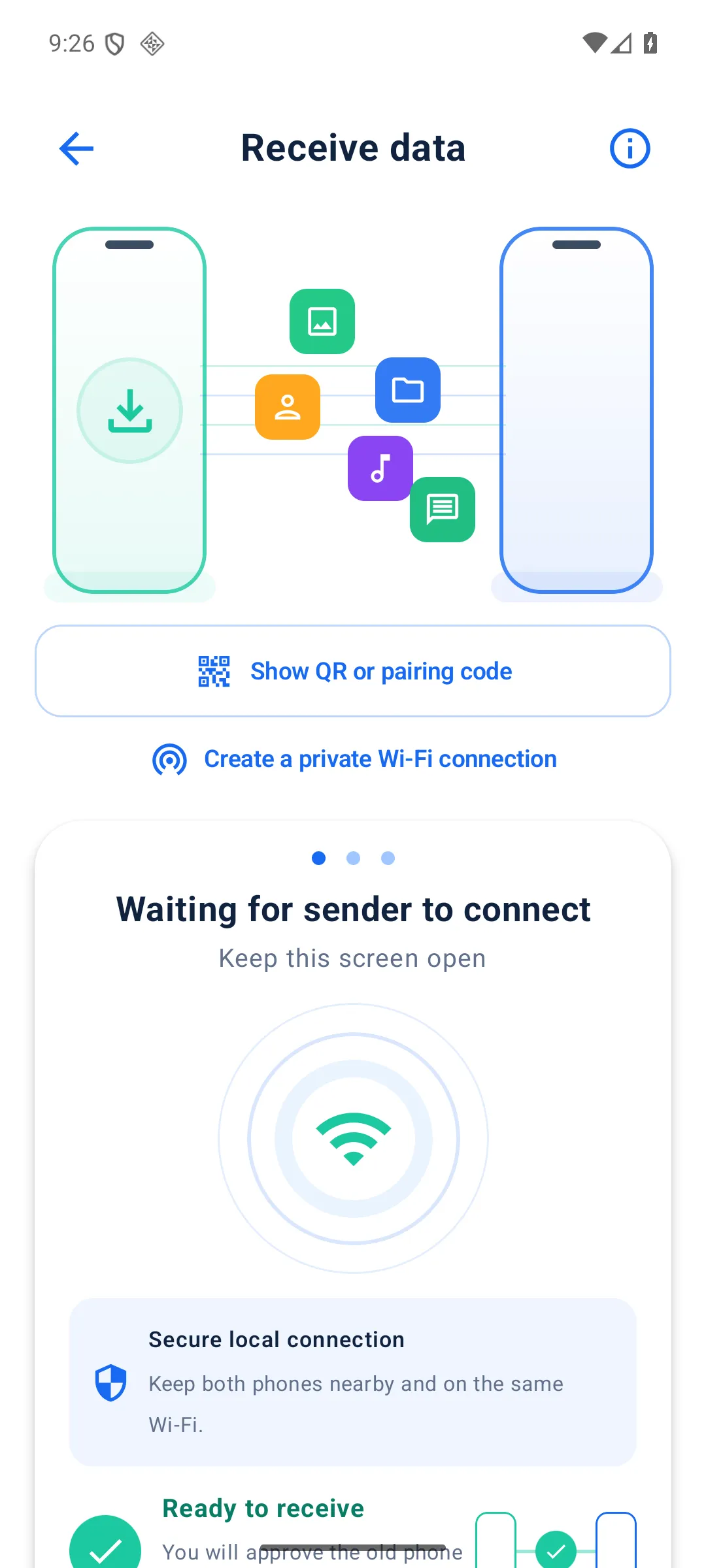
Choose a guided phone clone or send only the files you need.
Guided migration
Review supported categories, connect both phones, and restore data into organized locations where Android permits.
Selective sharing
Pick individual photos, videos, audio or documents and send only your selection.
Connection choice
Pair nearby, scan a QR code, or create a private local Wi-Fi connection when needed.
Clear progress
See transferred size, speed and estimated time, with resumable checkpoints for interrupted sessions.
Select a guided phone clone or individual files, then review exactly what will move.
Approve the receiving phone and pair over a direct local connection.
Follow live progress and confirm when the verified transfer is complete.
Selected transfer content moves directly between your devices over a local connection. Nova Switch does not use a cloud relay for transfers.
Android protects some information from third-party apps. Nova Switch cannot copy saved Wi-Fi passwords, protected app data, logged-in accounts, DRM-protected content or private system settings that Android does not expose.